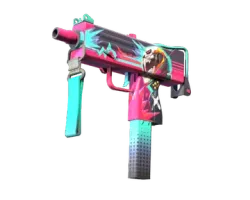
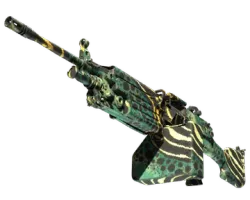

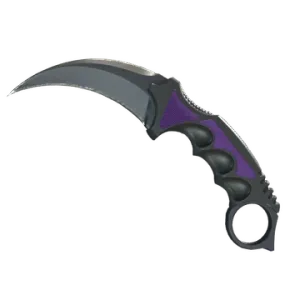

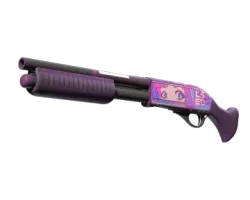
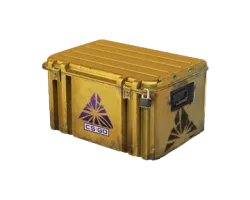
FN 0.070
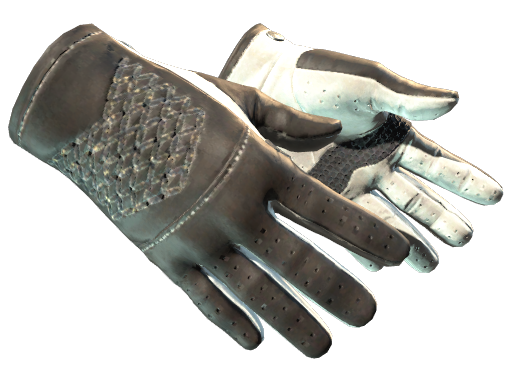
FN | ★ Driver Gloves
Black Tie
€999.76


Gloves, knives and rifle skins, checked down to the float. Pick the exact copy, pay by card for that one item and accept it in Steam as a trade offer.
Our trade bot sends each item you buy to this link as a Steam trade offer.
You need a Steam account that can trade and your Steam trade link. Sign in through the official Steam login and save the trade link, so our trade bot knows where to send what you buy.
Steam sets its own trade rules and holds, for example after a password reset or when Steam Guard Mobile Authenticator is not set up. These are controlled by Steam, not by GloveGuild, so check that your account can trade before you pay.
GloveGuild is a store for Counter-Strike 2 items. Open the market, filter by category and open any listing to see its details before you decide.
Click "Buy" and a confirmation window shows the order summary for that one item. Confirm it, pay by card, and the item is on its way to your Steam inventory.
Sign in with Steam and save your trade link. Find the item you want on the market and click "Buy". Check the order summary in the confirmation window and continue to payment.
Pay for that item by Visa or Mastercard on a hosted payment page run by an authorized third-party payment provider. When the payment succeeds, our trade bot sends you a Steam trade offer. Accept it on Steam and the skin is in your inventory.
Gloves and knives are the pieces you see on screen every round, so the copy matters. Float value sets the wear, from Factory New to Battle-Scarred, and a lower float usually means a cleaner finish.
Pattern index changes where the finish lands, which matters for skins like Case Hardened, Fade or Doppler. Stickers, StatTrak™ counters and souvenir tags change the look and value too. Check all of it on the listing, so the copy you receive is the one you had in mind.
Every purchase on GloveGuild is a single card payment for a single item, protected by 3D Secure verification. There are no funds to add in advance. GloveGuild is the merchant of record, and you enter your card details on the payment provider's hosted page, not on our site.
Items are delivered through Steam's own trading system. Once your payment is confirmed, our trade bot sends a trade offer to the trade link you saved. You have about 15 minutes to accept it on Steam.
If the offer is declined, expires, or the item can't be delivered, contact support at support@gloveguild.com and the team will look into your order.
The market covers tradable Counter-Strike 2 items: gloves, knives, rifles, pistols, SMGs, shotguns, machine guns, agents, stickers and containers. What you see depends on what is listed at the moment you shop.
You sign in through Steam, so your Steam password never reaches GloveGuild. Card payments run on a hosted page from an authorized payment provider with 3D Secure checks, and items arrive through official Steam trade offers from our trade bot.
You see the order summary before paying, and you accept the trade offer on Steam yourself, so you can check the item before it enters your inventory.
On the Steam Community Market you pay with Steam Wallet funds that you have to add to your account first. On GloveGuild you pay by card for the exact item you picked, on a hosted payment page.
Delivery still goes through Steam, as a trade offer to your inventory, so the item lands where your CS2 loadout already lives.
Make sure your account can trade and the trade link you saved is current. Compare float, pattern and stickers instead of going by the skin name alone.
Keep Steam or the Steam mobile app at hand after paying, so you can accept the trade offer within the time limit.
If a trade offer is declined or expires, or an item can't be delivered, contact support at support@gloveguild.com. Refunds are handled by support and returned to your original payment method.